Example prices, not live market data
A little patience.
We’re watching.
Your notification arrives when
the example price reaches your level.
Watching your entry level at ₹1,450.
The alert comes first. Charts, watchlists, and analysis support your monitoring workflow. You choose the levels and make every trading decision.
Keep the full plan
within reach.
One price notification is a start. A connected setup gives the next notification its context.
Price & lifecycle alerts
Monitor entry, stop-loss, and target levels. Follow a setup from pending to running, and review its status in the dashboard.
Explore lifecycle alertsTelegram & email delivery
Bring alerts into the channels you check. Use Telegram for visibility and email for a searchable record of alert activity.
Set up your channelsResearch with context.
Monitor with intent.
Look across charts and timeframes. Find the level that deserves your attention.
Watchlists
Keep the stocks you follow together, then attach alerts to the price levels that matter.
Charts
Switch between candlestick, line, and area views. Review timeframes and indicators before choosing a level.
Chartbook
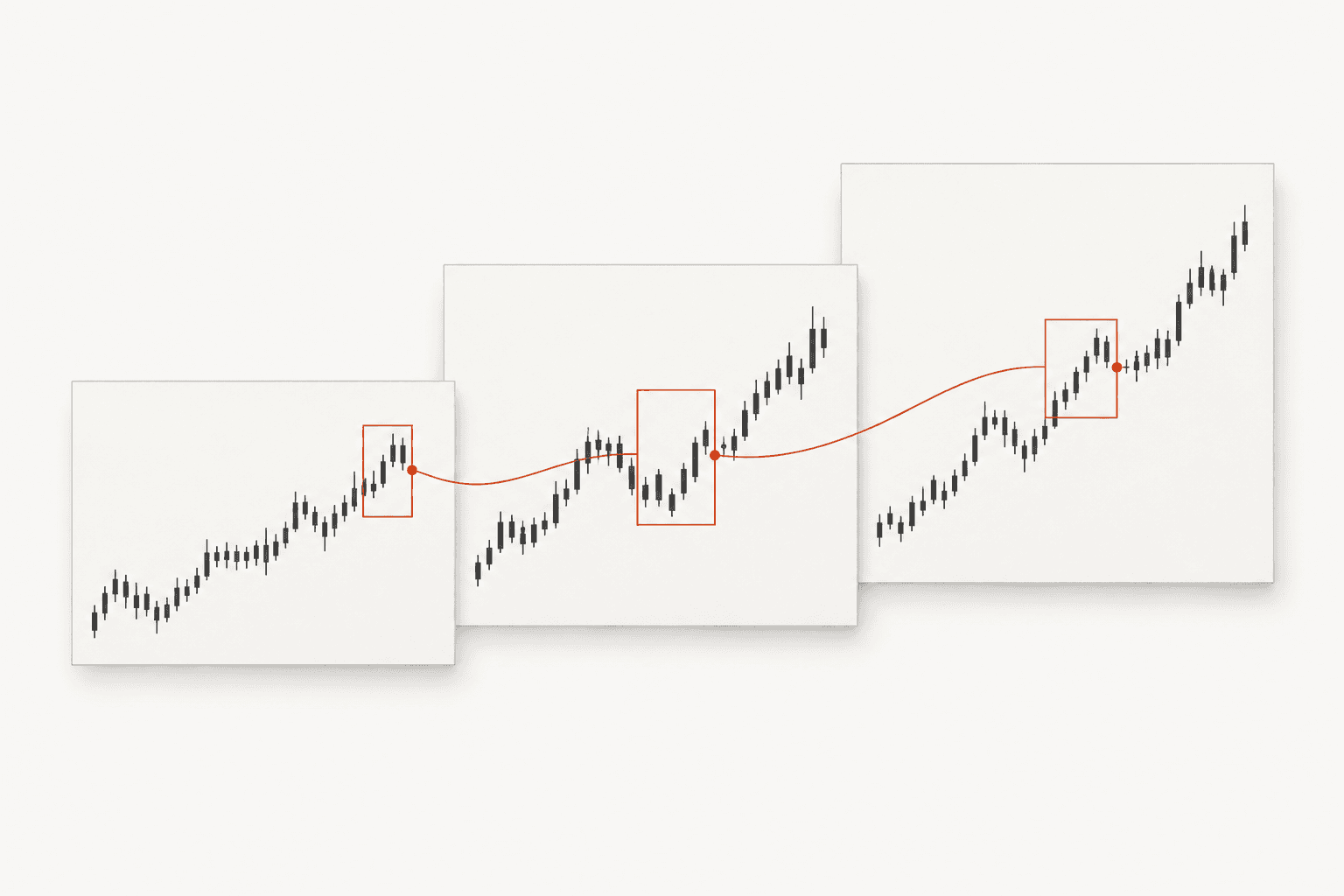
Scan multiple watchlist charts in a grid. Open the full chart when a setup deserves a closer look.
Multi-timeframe analysis
Review trend, location, execution area, target context, and warnings across timeframes.
Demand & supply zones
See zones with score, freshness, entry, stop-loss, and target context directly on the chart.
Drawings & alert lines
Mark trend lines, boxes, channels, and retracements. Turn your entry, SL, and target lines into an alert.
From sign-up
to your first alert.
Read the setup guides - Create your account.
Register and verify your email.
- Find your stock.
Add it to a watchlist and review the chart if needed.
- Choose your levels.
Set entry, stop loss, target, and notification channels.
- Keep your plan current.
Review, pause, or update active alerts from the dashboard.
StockNotify is a monitoring tool, not financial advice. Read about data and delivery limitations.